The document describes problem you may have with the old RDT classic setup. Do not use this any longer unless you work with a VPN or within the same internal customer network.
Evaluation Center
No connection to the custo cloud server possible during the setup of the evaluation center
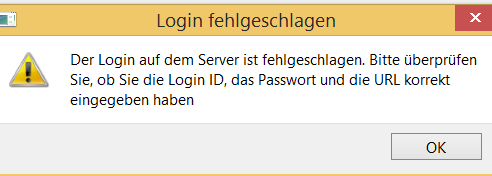
The custo cloud server has been decommissioned. So the error message is normal.
Evaluation center test web page does not open
I have copied the URL of the evaluation center to my browser, but the test web page ("web viewer - coming soon") does not open.

In case of an old DynDNS URL it may happen that the URL is no longer valid. To verify this copy the DNS name part (After the // and before the IP port) and run a ping on the name. If the name does not exist any longer get a fixed IP and DNS name for the customer. Within the same internal network you may use simply the host name or IP address of the server instead.
After starting custo diagnostic via the practice software the expected evaluation of the patient cannot be found
The practice software may have created a second patient. Verify the spelling of the name and the birthday. Use then the extended search to localize the evaluation.

Consider starting custo diagnostic in general with the extended search and always check for the relevant evaluation.
I get many evaluations and I don't want to wait for the initial analysis - can the initial analysis be automated?
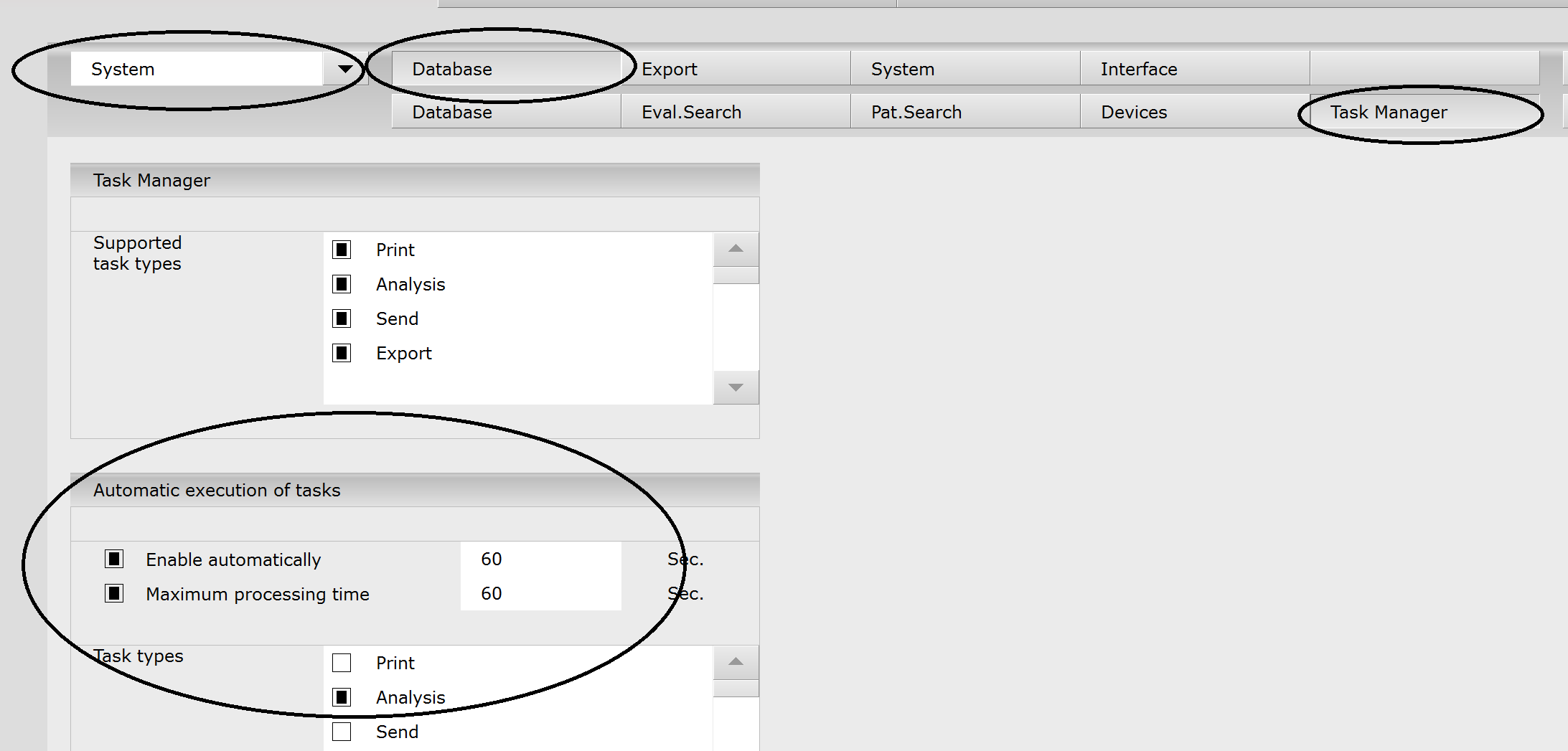
Yes, via the task manager of the custo diagnostic client.
In the settings of the client set diagserver.datatransfer.upload.createAnalysisJob to TRUE.
Then enable the automatic execution of tasks:
sending GP
Communication to the evaluation timed out / no connection
Verify that the network connection is possible e.g. with the Powershell command Test-NetConnection "IP-address or host name" -Port (IP port number) to the destination in case you use a http URL - in case of https test the URL with a web browser.
Certification path not found
The sending pratice cannot connect to the evaluation center with an error like:
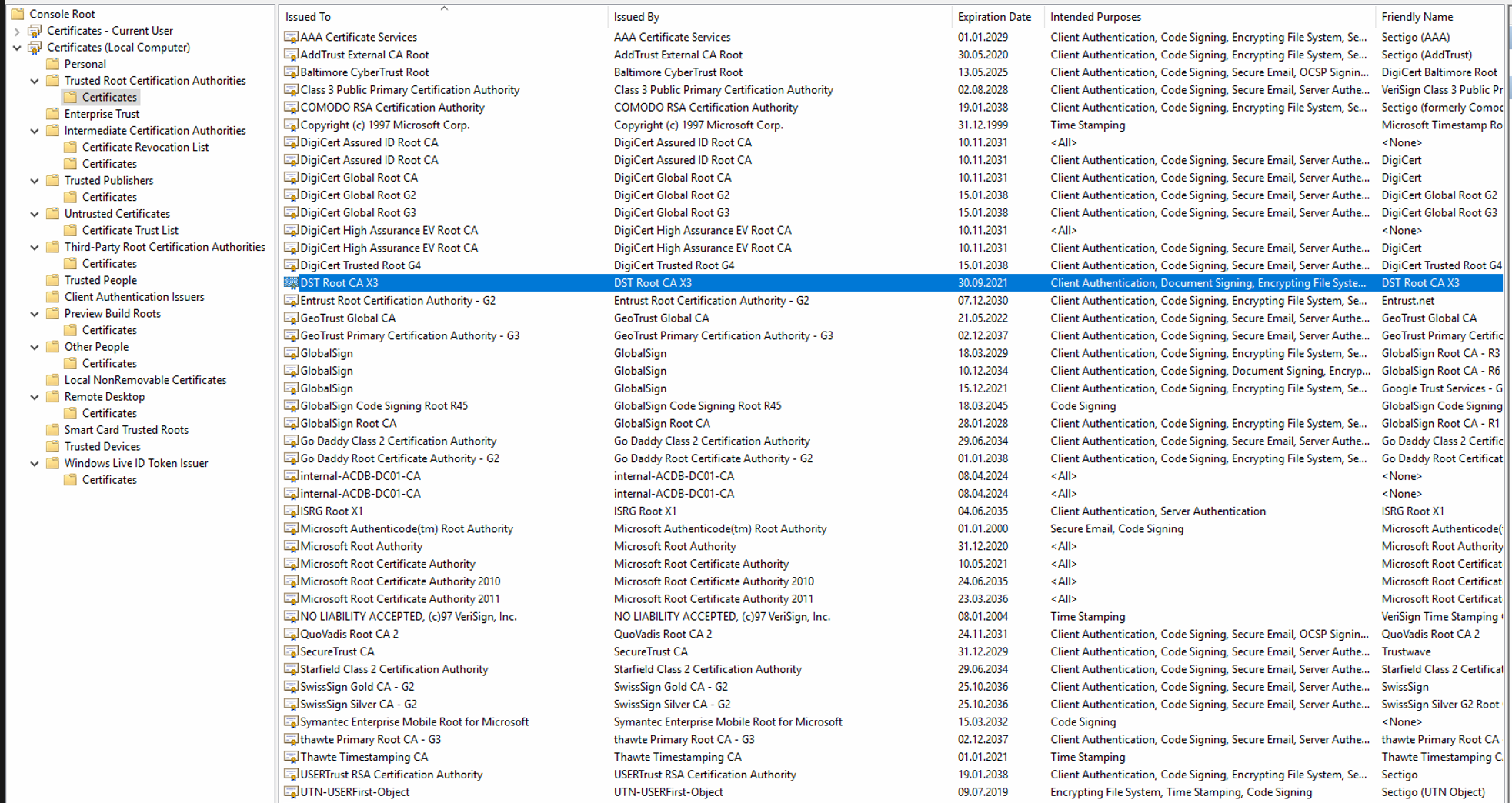
com.sun.jersey.api.client.ClientHandlerException: javax.net.ssl.SSLHandshakeException: sun.security.validator.ValidatorException: PKIX path building failed: sun.security.provider.certpath.SunCertPathBuilderException: unable to find valid certification path to requested target
If the evaluation cernter uses a SSL certificate that one must be considered as trusted. Make sure that the root certificate of the evaluation cernter's certificate is consideree as trusted. If not import it as trusted root certificate and restart the operating system.
Setup of the channel to the evaluation center denied
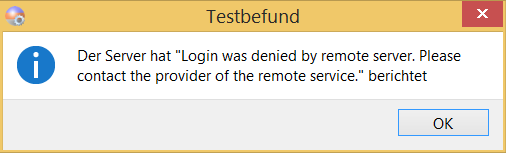
In most cases the reason is that during the setup of the channel, that the status of the data transfer is set to something else then unregistered on the evaluation center side. Once the channel has been registered the status should be "Online Austausch", which normally gets changed automatically by the system. However in some cases this may not happen automatically. Another reason may be that not all relevant fields of the doctor on the evaluation center side are filled out: Especially fields like first name, last name and email address should be filled out.
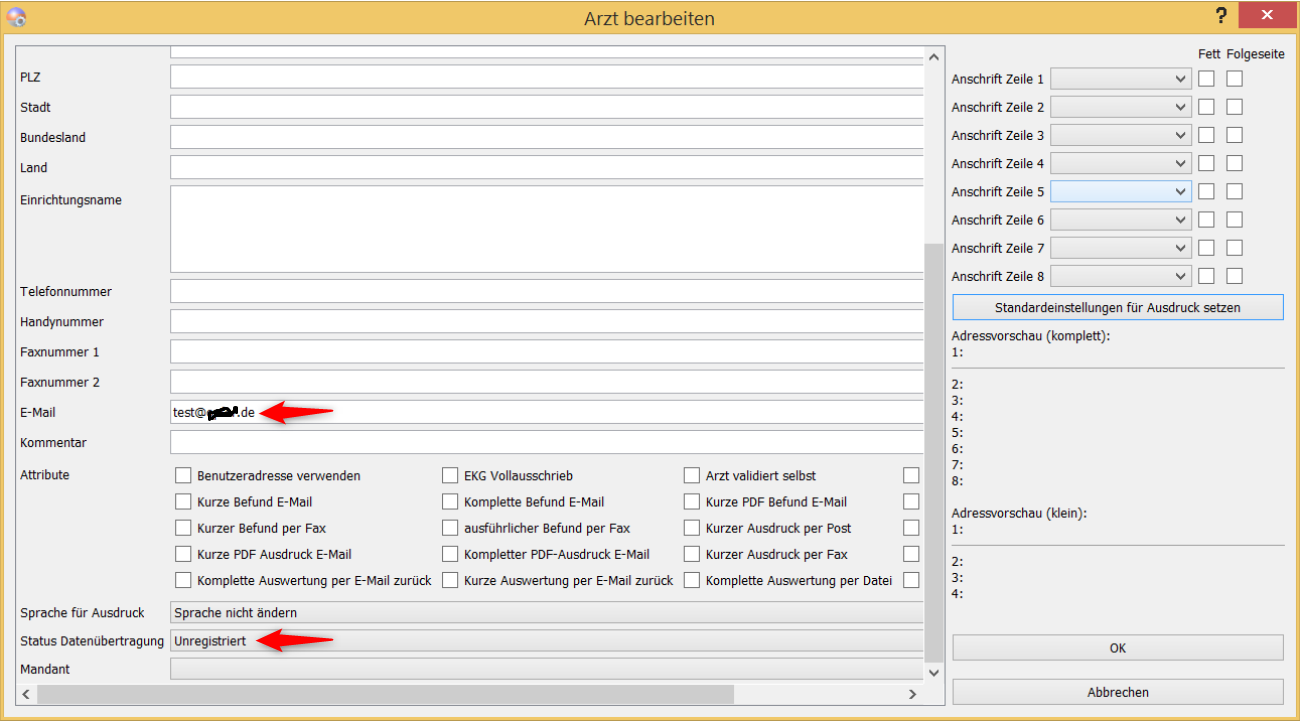
The setup of the channel has worked fine and also the functional test of the channel was very well, but no evaluations get transferred
Verify if it is possible to transfer data between other senders and the evaluation center. You may even set up an own sender on that evaluation center to test that and connect that via an own internet connection. If other senders can send the data properly contact the service / internet provider and make sure that no application layer firewall filters the traffic. If you should get asked which exception should be defined in the application layer firewall please provide the info *.customed*
Evaluations cannot get back from the evaluation center
The evaluation center has sent back the evaluation in custo diagnostic, the sender's server has even picked it up, but it has not arrived on the sender side. Verify in this case the version of custo diagnostic. In case the evaluation center uses practice software both the sender and the evaluation center will need at least custo diagnostic version 5.3.4 (or higher 5.3.x version) or at least version 5.4.1.
The RDT tool cannot transfer the evaluations
Looking at the RDT tool log you may see entries like "unable to unzip file...". Verify that the RDT tool has read and write access to the data directories you have defined for the incoming and outgoing data.
What is the difference between the RDT tool 2.0 and 1.3?
The RDT tool 2.0's intended use is for version 5 evaluation centers to there simulate a custo diagnostic version 4 evaluation center.
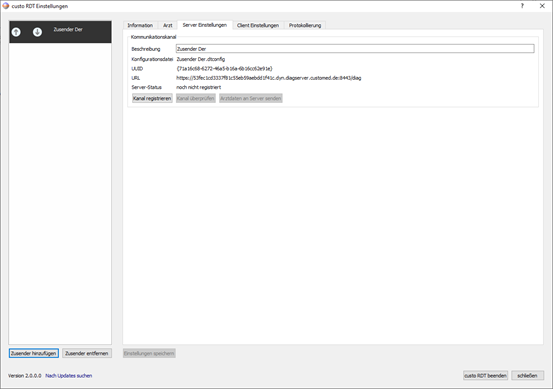
Multiple channels can be defined there with on the one side file import / export directories for each sending practice and on the other side the corresponding RDT connections.
The RDT tool 1.3 is intended to simulate a version 5 sending practice on a computer vwhere only diag version 4.x is installed.